A guide to using Plan Templates in AnuPlan
Every month starts the same way: you open AnuPlan, and you need to set your allocations. If your salary and commitments are roughly consistent month to month, typing the same numbers repeatedly is friction you don't need. Plan Templates solve this.
What a Plan Template is
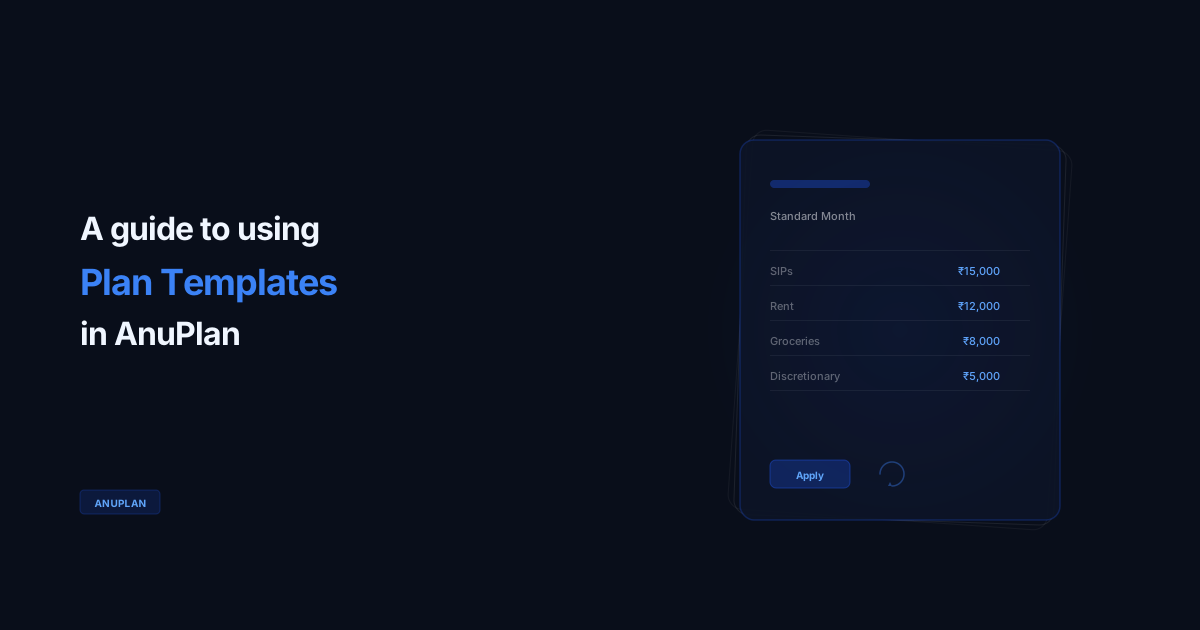
A Plan Template is a saved version of your allocation structure — the categories you plan against and the amounts you typically allocate to each. It's not a copy of a past month; it's a reusable baseline that you can apply to any new month with one tap.
Think of it like
A template is your "standard month" skeleton. SIPs go here. Rent goes there. Groceries here. Apply it, adjust if needed, done in 30 seconds.
Creating your first template
Open any month plan where your allocations reflect how you typically want to structure your salary. Tap the menu icon in the top-right corner of the Plan view, then select "Save as Template." Give it a name — "Standard Month" works fine, but you might want something like "High-SIP Month" or "Post-Increment" if your structure varies.
Using a template to start a new month
When creating a new month plan, you'll see a "Load Template" option after you set the month and enter your salary. Select your template, and AnuPlan fills in all your allocation amounts. You can adjust any value before saving — templates are a starting point, not a constraint.
30 sec
To set up a new month with a saved template
Adapting for variable income
If your income varies month to month (freelance income on top of a base salary, or a variable bonus month), templates still help. Create the template based on your minimum reliable income. When you start a new month with higher income, load the template, then allocate the additional amount to whichever categories make sense for that month.
Multiple templates
Keep old templates around. They're a record of how your financial structure changed over time. AnuPlan supports multiple saved templates. If your financial structure changes significantly — a new EMI, a completed loan, a changed investment amount — create a new template rather than overwriting the old one. Keeping the old template means you can always see what your structure looked like before the change.
About AnuPlan
A salary planner for Android. Not an expense tracker.
₹299 / $4.99 · One-time · No account · Works 100% offline

More to read
MONTH — Assembly Instructions
Your month arrives as a flat-pack kit with nine parts and one step missing. A manual for the step nobody does — written by someone who skipped it for nine years.
AnuPlanI funded every goal in July — and still ran ₹1 lakh short
I set one line to ₹1 every month — a promise that nothing would leak. In July it quietly became ₹1,08,190, and every goal still got funded. Here's how AnuAI showed me the real picture.